Trips
How to download and use the PackPoint application?
Available for Android and iOS users, the PackPoint app is free and you only need to download it to start enjoying it. See a simple step by step to get started!
Advertisement
PackPoint app: find out how to download and access it!
If you also have difficulty remembering everything you need to pack in your suitcase, then you need to start using the PackPoint app. This way, you'll never forget to pack anything essential again!
In fact, the app allows you to customize your type of trip so that you take exactly everything you need. Here's a simple step-by-step guide to download and start using the app!
PackPoint: take everything you need in your travel bag!
The PackPoint app is a simple and intuitive platform where you can categorize your next trip to see a complete list of what to pack in your suitcase. In other words, you just need to separate the items!
In fact, the app will check the climate of the destination, your activities and length of stay according to information, and list everything you will need to take with you. This way, you won't run the risk of forgetting anything at home.
Even though it has a more complete paid version, all of these tools are free and you can take advantage of them as soon as you download them. This way, you save time by packing your suitcase in a practical and organized way!
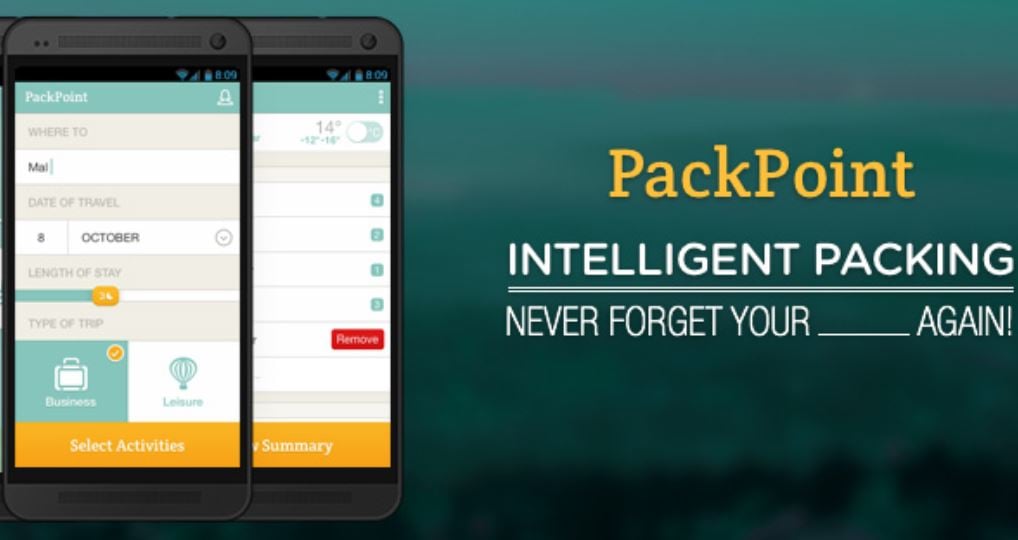
Now you no longer have to suffer when packing your suitcase. To separate all your essential items, just download and use the PackPoint app! So, here's a step-by-step guide on what to do.
Download the PackPoint app
Firstly, it is worth remembering that PackPoint is available free of charge for Android and iOS users. This way, you just need to access your digital app store and download it.
Use the PackPoint app
As it is a free app, there is no need to register. In other words, you just need to finish the download and open it to start using it. However, it is worth remembering that the application is only available in English.
But don't worry if you don't know how to speak the language! This is because the interface is very simple and intuitive, and you can follow the images to personalize your trip and access your list of items. It is worth checking!
In addition to saving your time when packing your bags, how about saving your money when buying your tickets? Well, with the Melhores Destinos app you can create price alerts for your tickets!
Furthermore, just enter your destination and the amount you want to pay and the app will notify you when there is a promotion. Plus, you can find flights at incredible prices! See below how this app works and enjoy!
Best Destinations App: what is it and how does it work?
The Melhores Destinos platform is a reference in airline ticket promotions and the largest website in the segment in Brazil. Discover!
About the author / Samantha Scorbaioli
Trending Topics
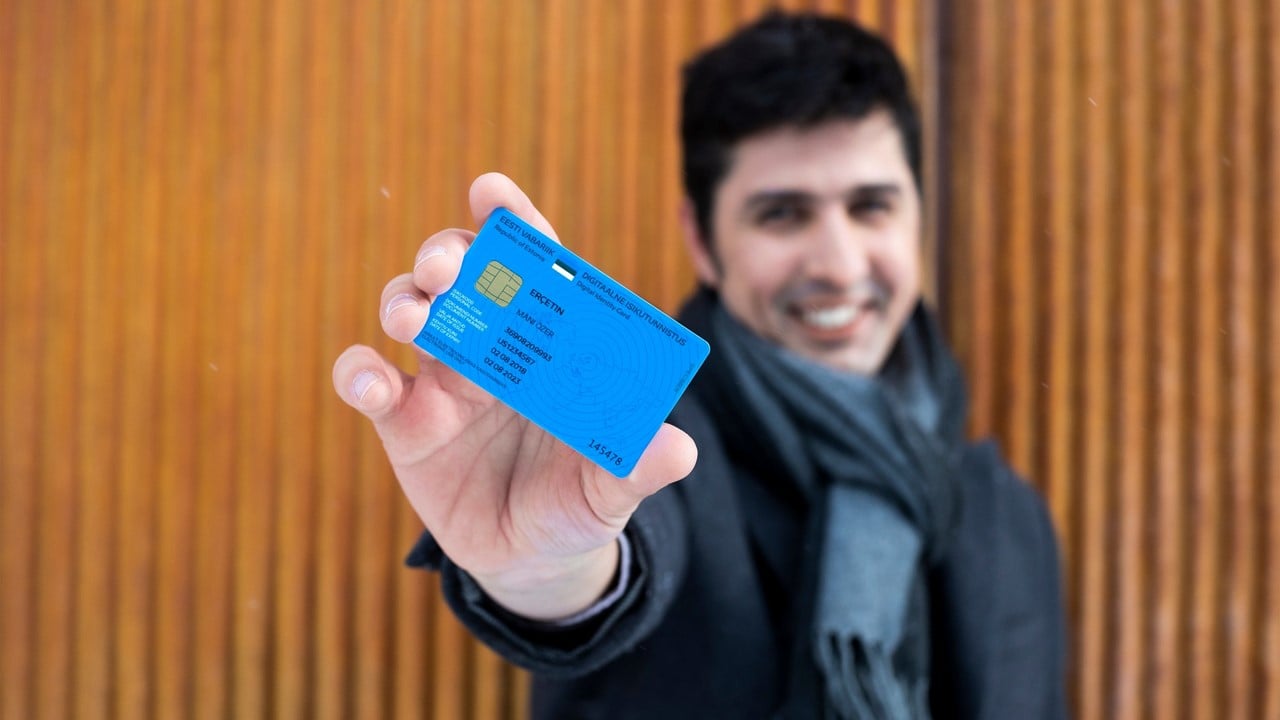
e-Residency Program: virtual citizenship in Estonia for entrepreneurs!
Since 2014, Estonia has offered a virtual citizenship program for anyone looking to open a business online. See how the e-Residency works!
Continue lendo
8 super tips on how to buy cheap airline tickets and save!
If you want tips on how to buy cheap airline tickets, check out 8 suggestions to save on flights for your next trip!
Continue lendo
How to buy airfare on sale at Max Miles?
See how to buy airline tickets at Max Miles and plan your next trip saving up to 50% on domestic or international flights!
Continue lendoYou may also like

Wizz Air: Low cost airline with tickets from €24.99
Check out tickets from €24.99 on Wizz Air and explore the world for little money. There are 35 destinations around the world!
Continue lendo
inDrive application: see how it works and if it's worth it!
If you want to request a ride and choose the cost of your own transport, then it's worth getting to know the inDrive app!
Continue lendo
Get to know the Caixa Elo Mais card and find out if it's worth it!
Find out if it's worth having the CAIXA Elo Mais card and find out about its advantages, such as the points program, international coverage and more!
Continue lendo


